From search to boarding, in four simple steps
Everything you need for your trip — tickets, seats, and payment — happens right here.
Booking a trip
Search & compare
Enter where you're travelling from and to, pick a date, and compare trips from every operator on that route.
Choose your seat
View the real seat map for your bus and pick exactly where you want to sit.
Pay securely
Pay with MTN Mobile Money, Orange Money, or a card. See the full price, including any platform fee, before you confirm.
Board with your e-ticket
Your ticket and QR code are ready instantly — show it on your phone at boarding, no printing needed.
On your phone too
The same flow, right in your pocket
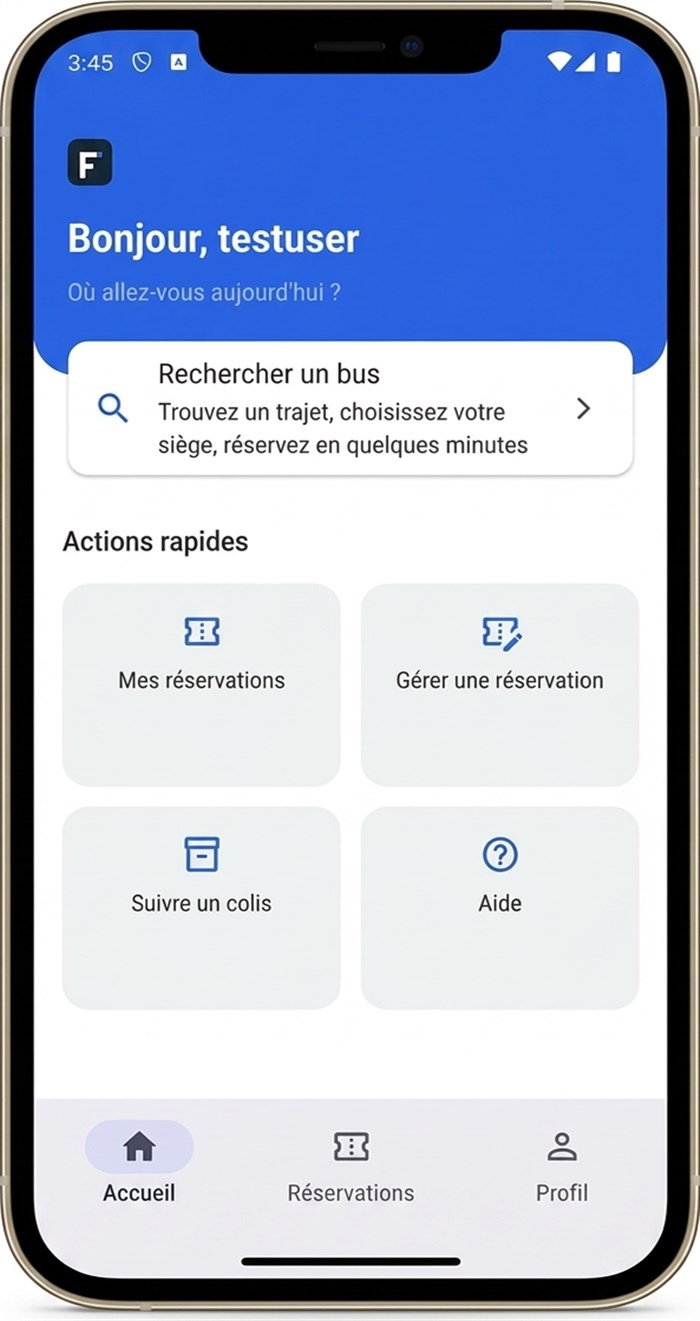
Home
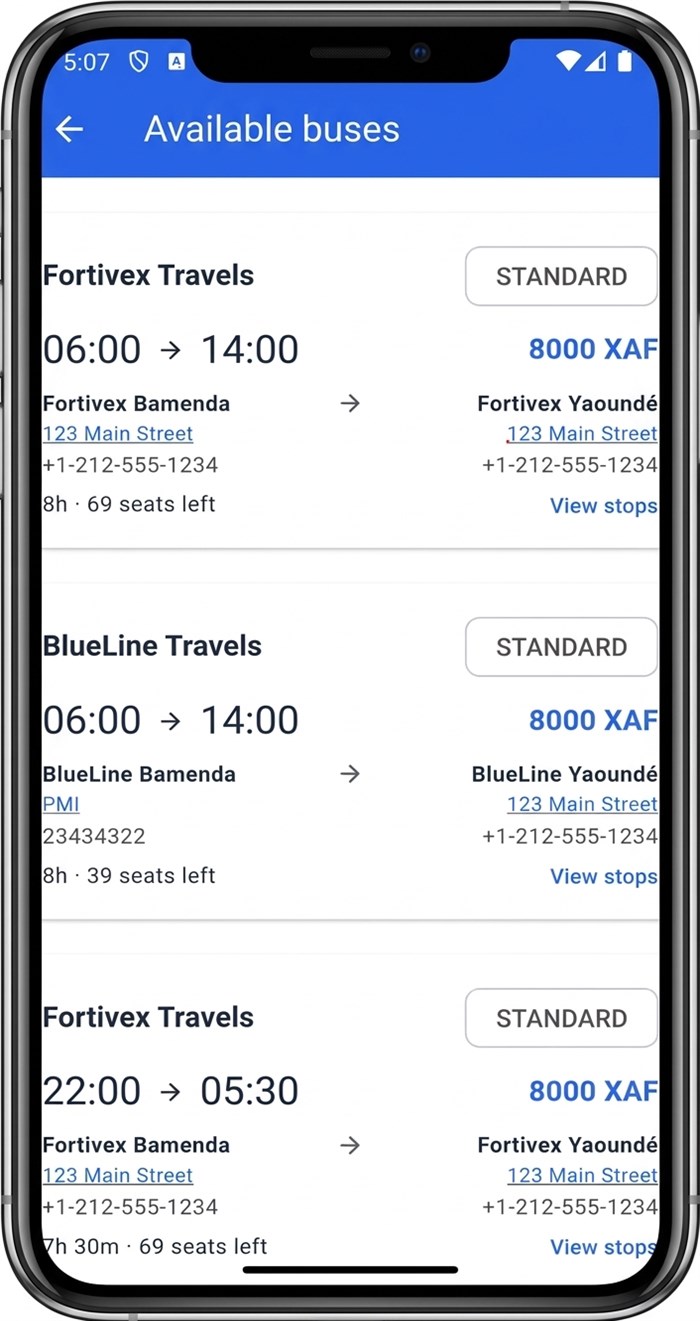
Search results
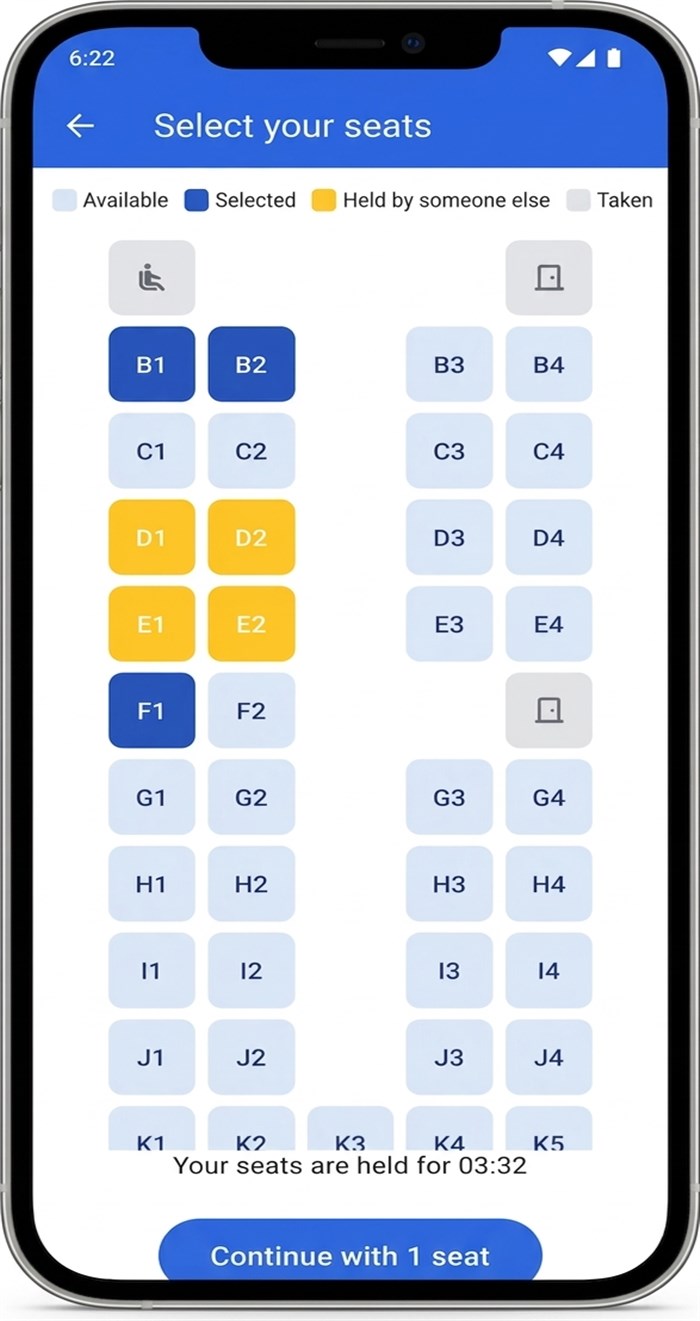
Pick a seat
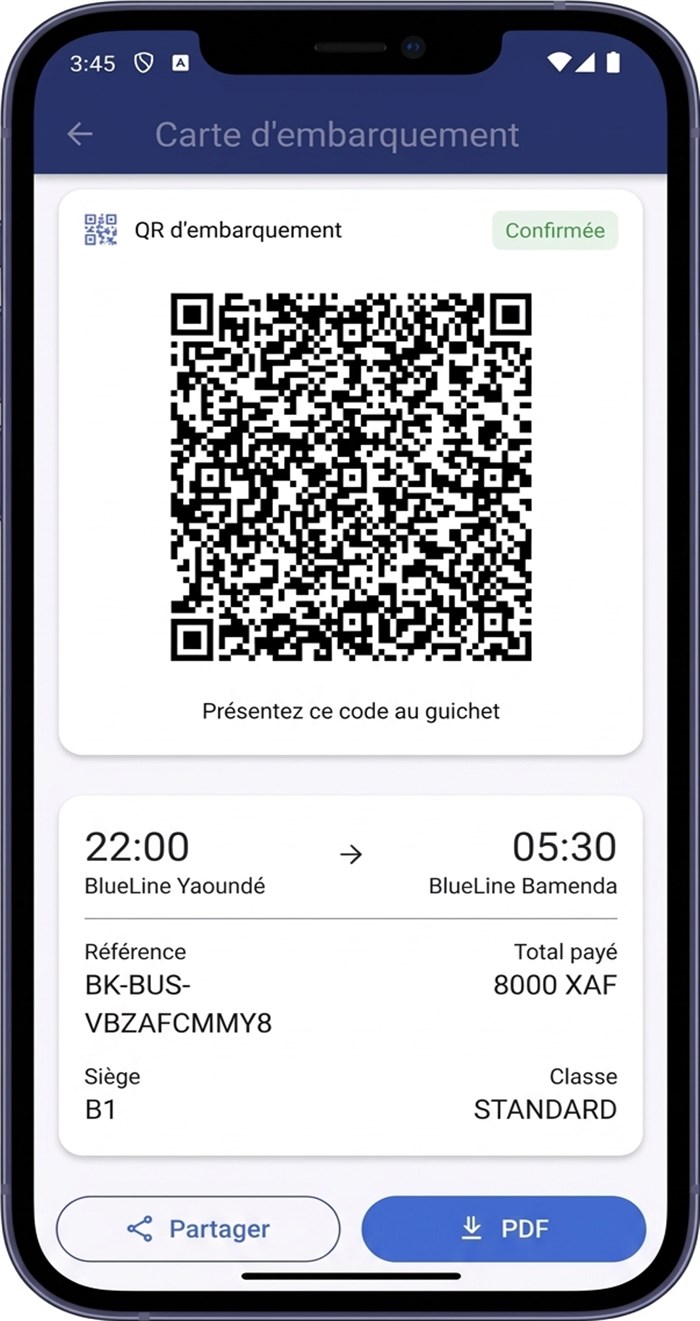
Get your ticket
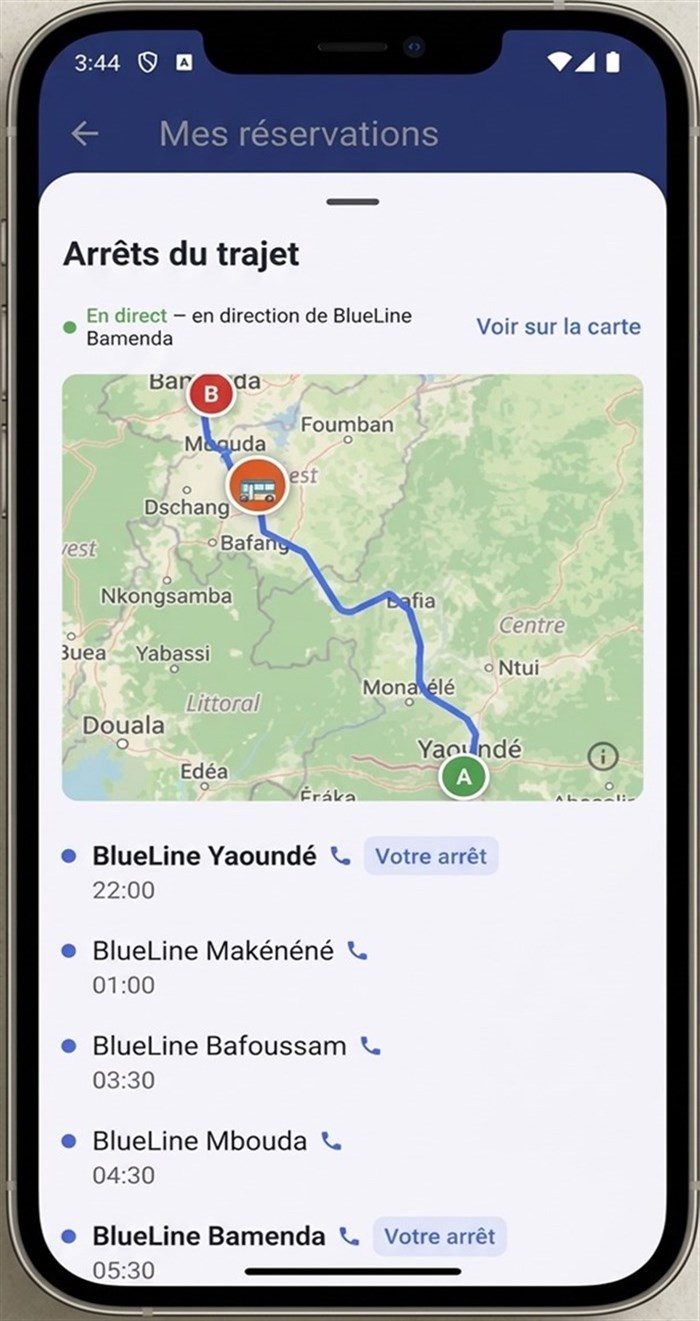
Track your bus live
What you can do on Fortivex
Bus tickets
Book one-way or round trips across Cameroon's bus network.
Parcel shipping & tracking
Send parcels with participating operators and track them until delivery.
Manage a booking
Look up and manage any booking with just your reference — no account required.
Coupons & refunds
Cancel eligible bookings for a cash refund or a coupon credited straight to your account.
My Trips & Parcels
Sign in to see every trip and parcel you've ever booked, all in one place.
QR check-in
Boarding staff scan your ticket's QR code to check you in — fast and paperless.
Own or run a bus agency?
List your routes, buses, and schedules on Fortivex and reach more travelers.